Examples
Split a model once, then pose it, resize parts, or swap them out. Every picture below is the same model, edited in Mesh Splitter.
Robot
Move, rotate, stretch and scale parts, or replace them with your own.
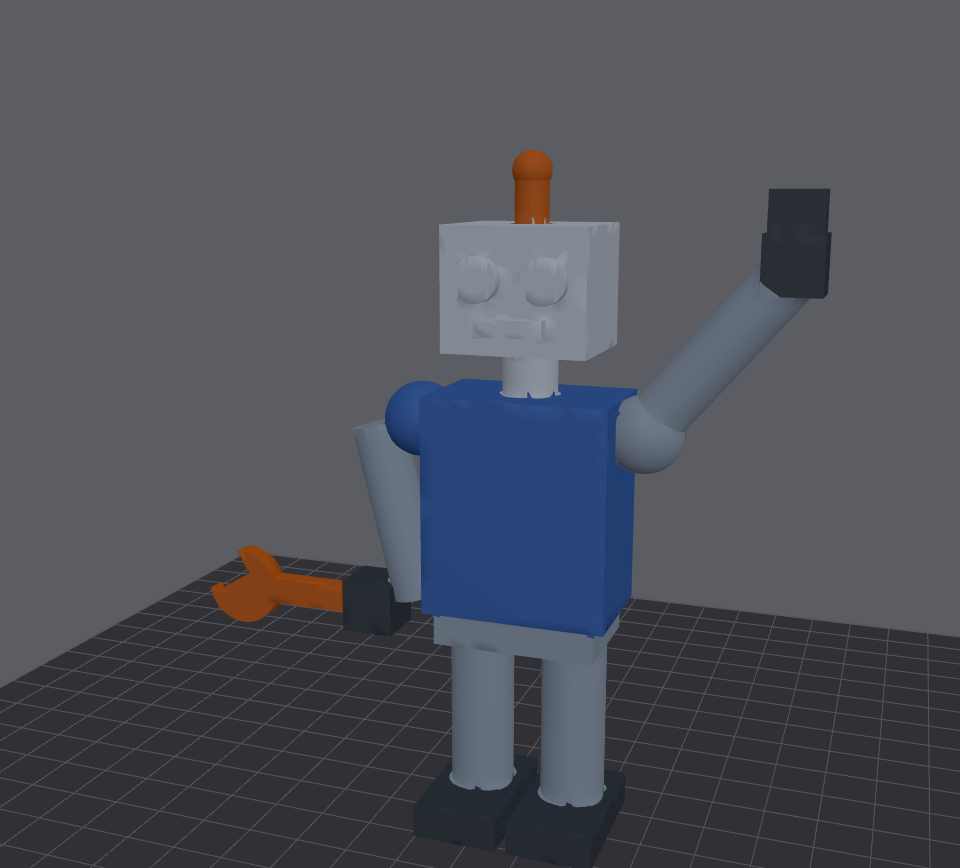 Original |
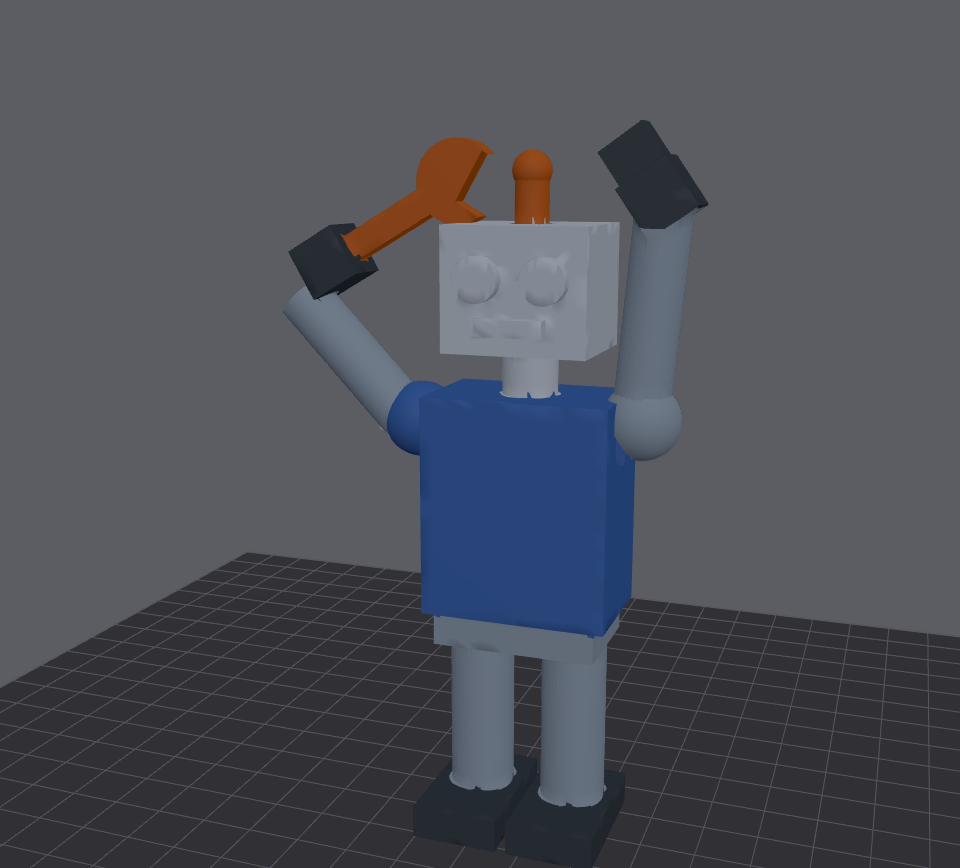 Both arms up |
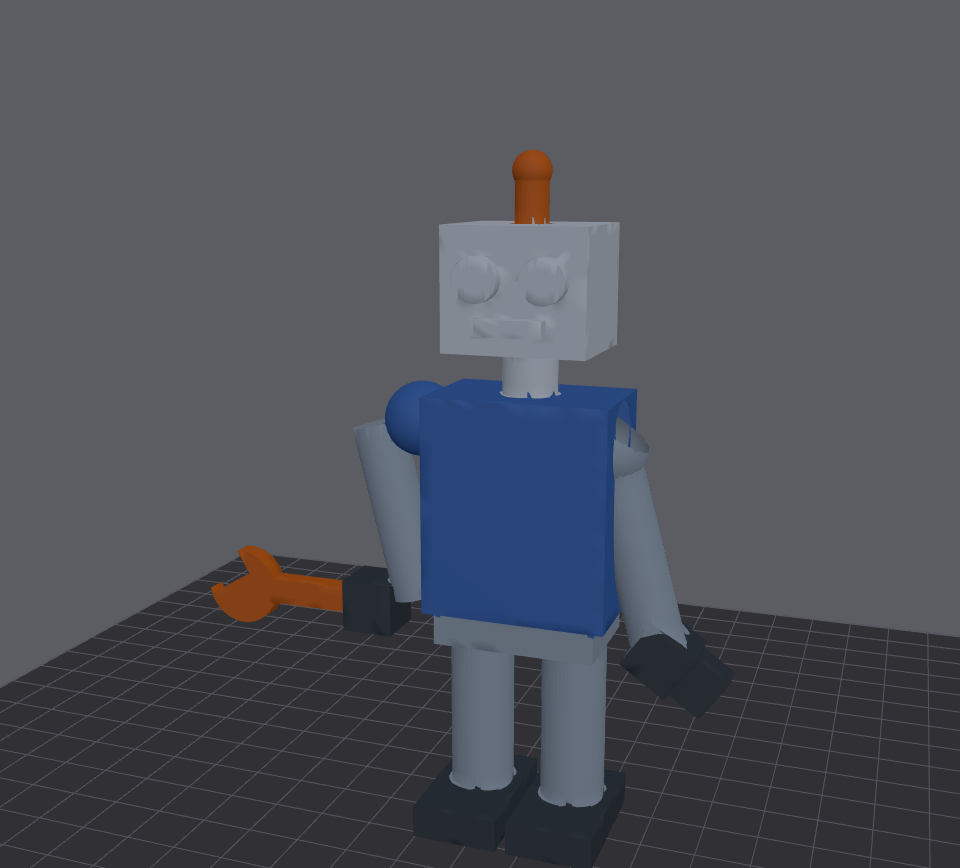 Arm lowered |
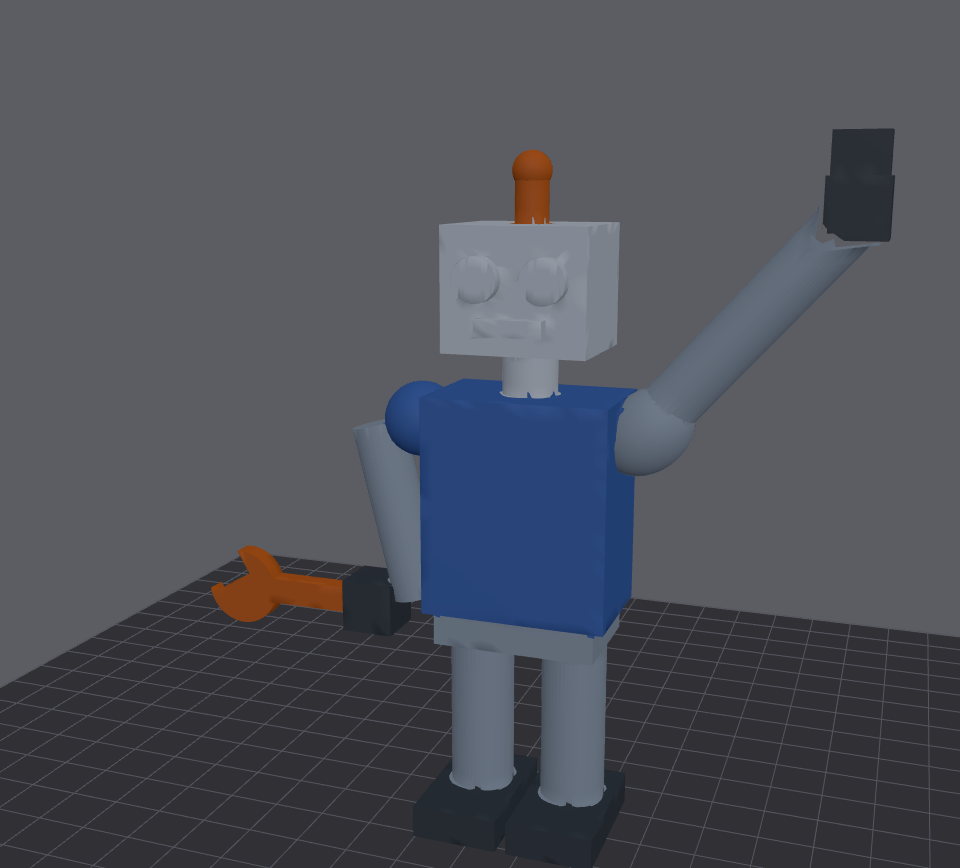 Longer arm (stretch) |
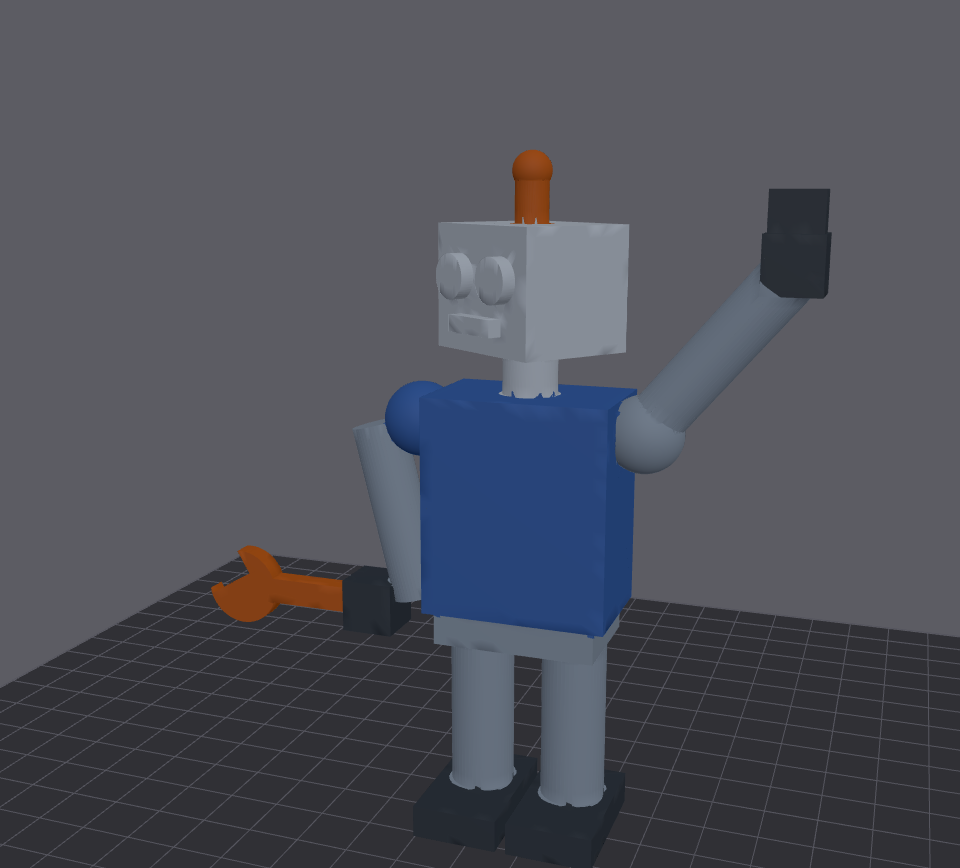 Head turned |
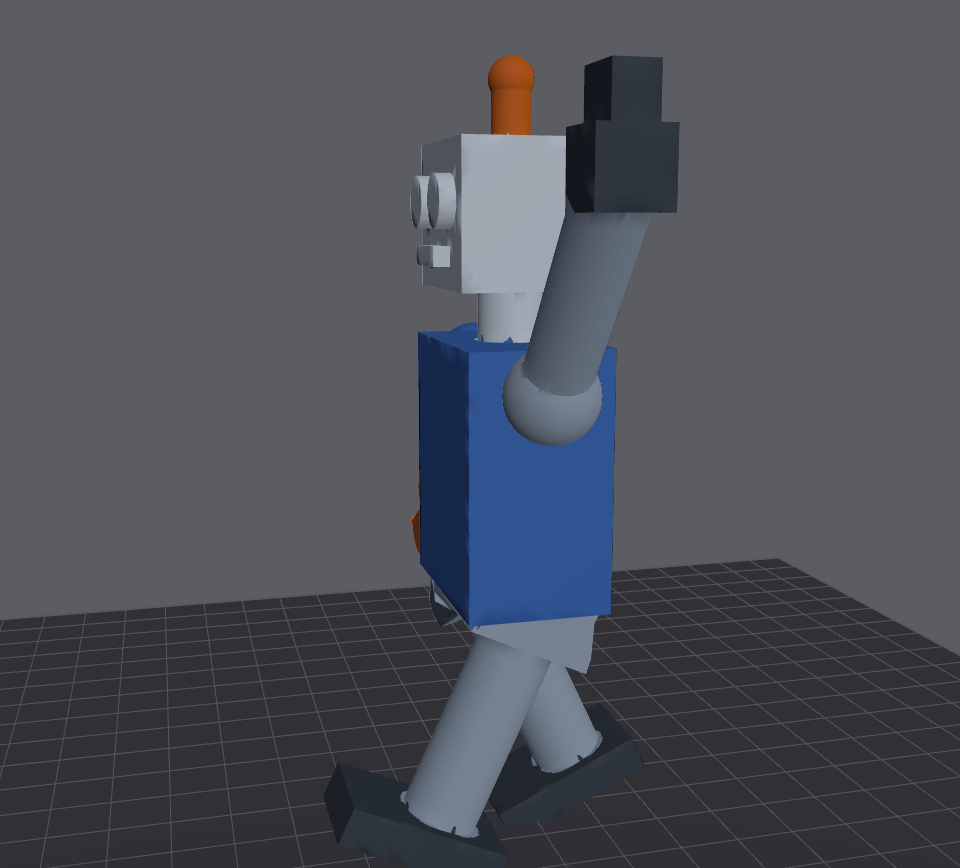 Walking legs |
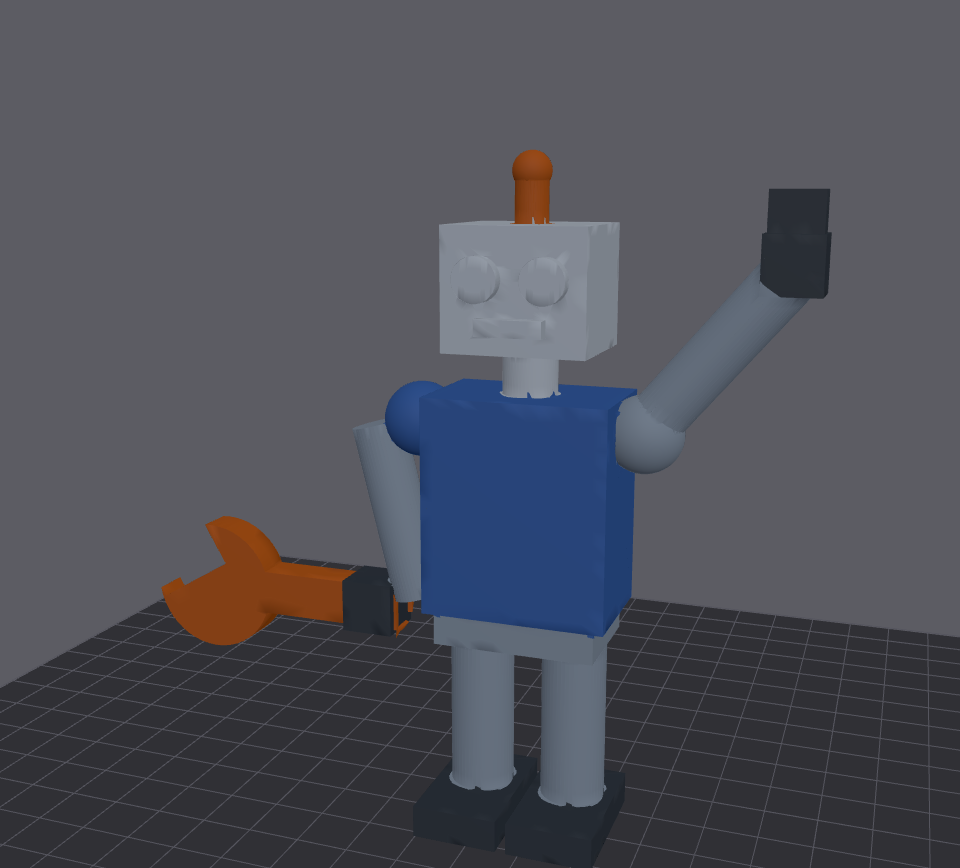 Bigger wrench |
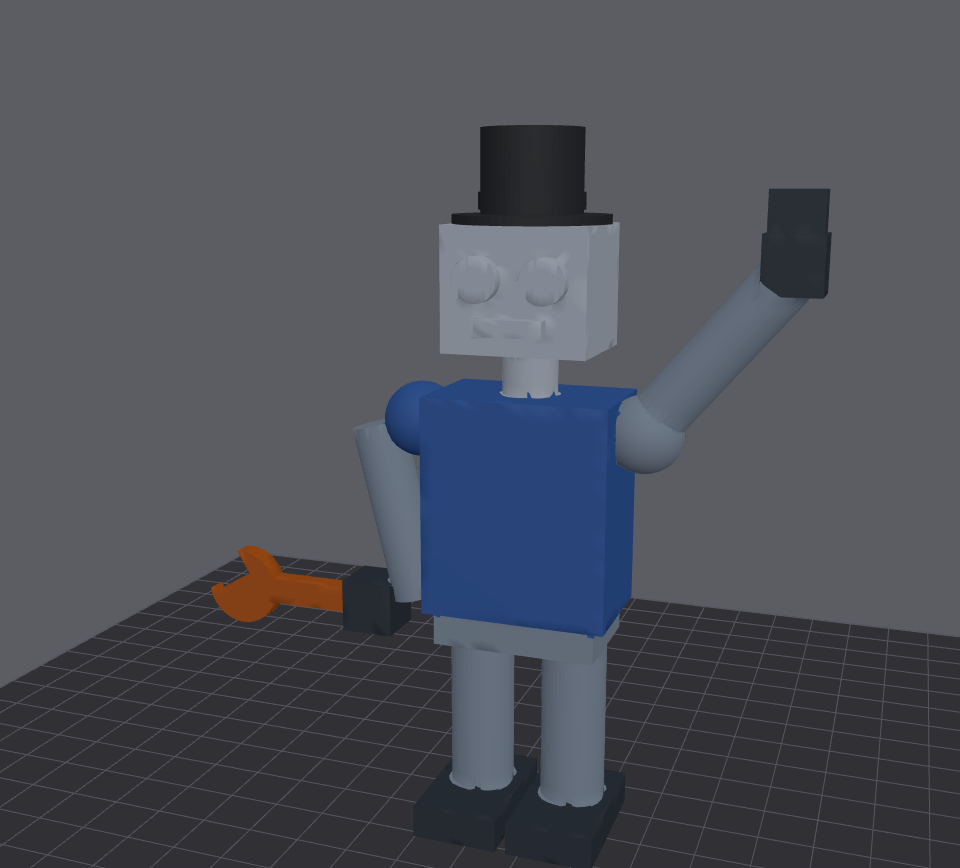 Antenna swapped for a top hat |
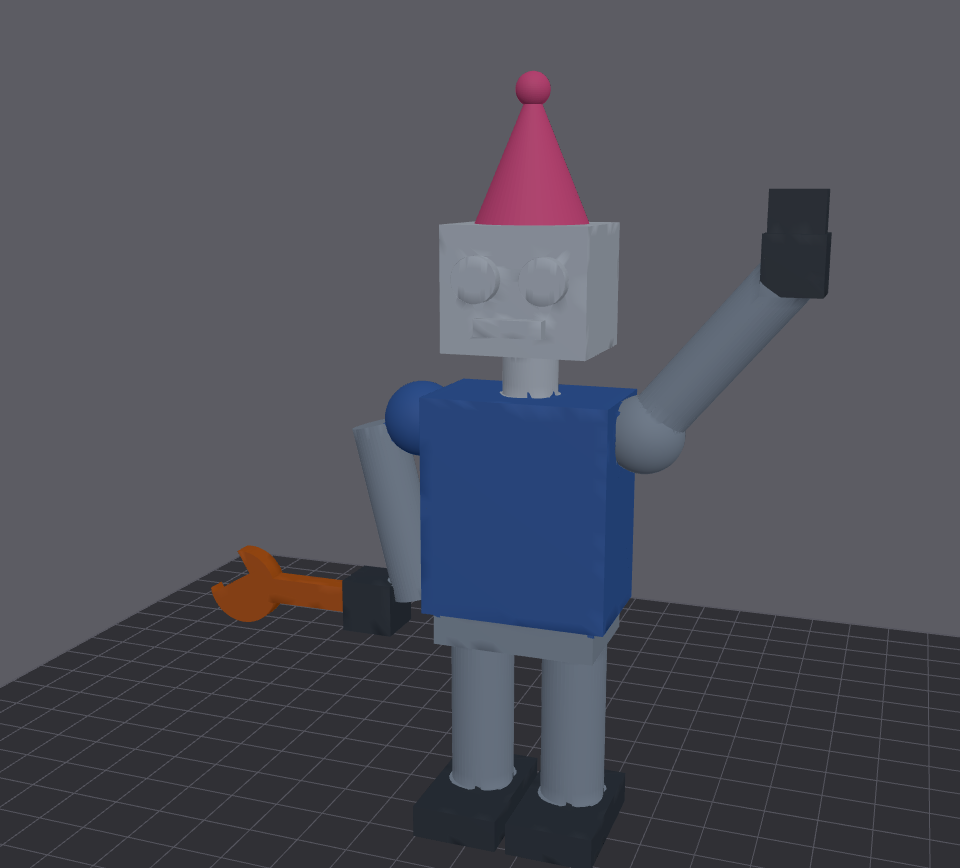 Party hat |
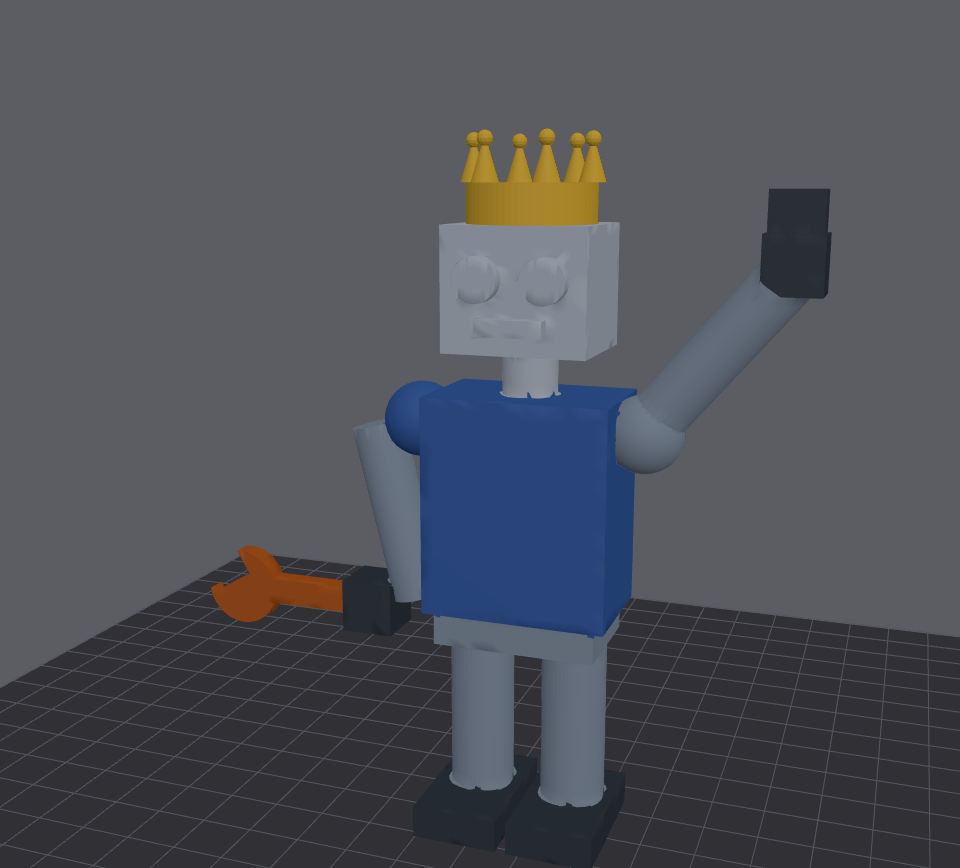 Crown |
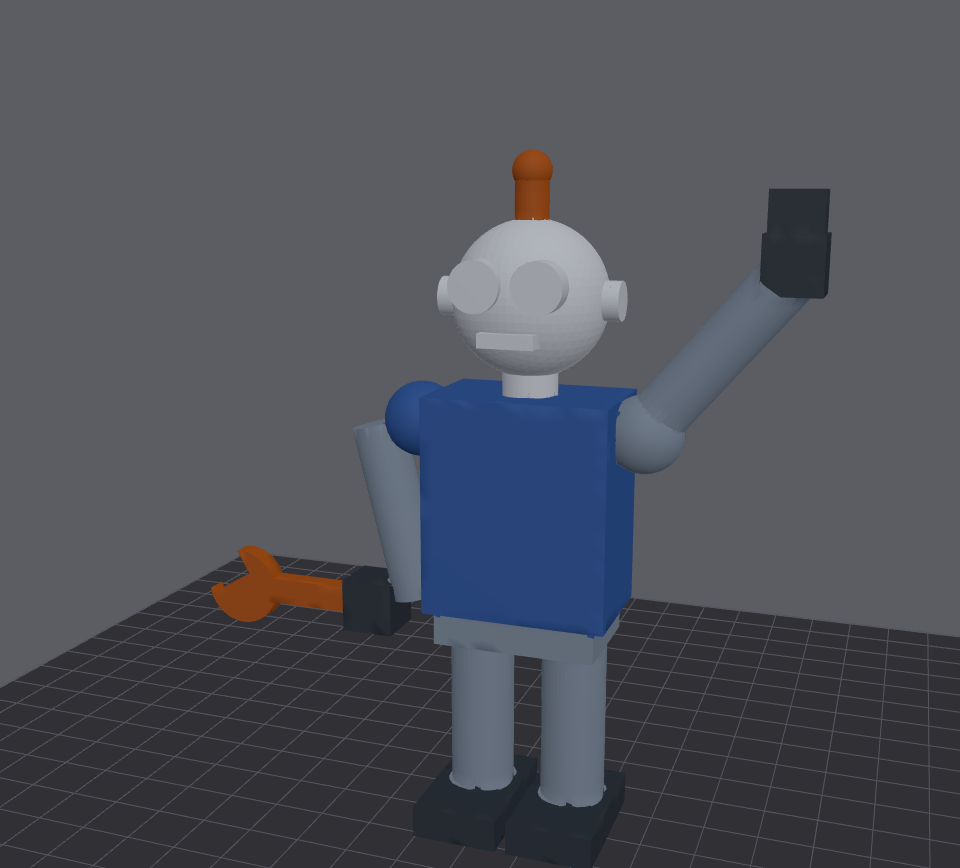 New round head |
Teddy bear
Turn parts on their joints; heal joint keeps them attached.
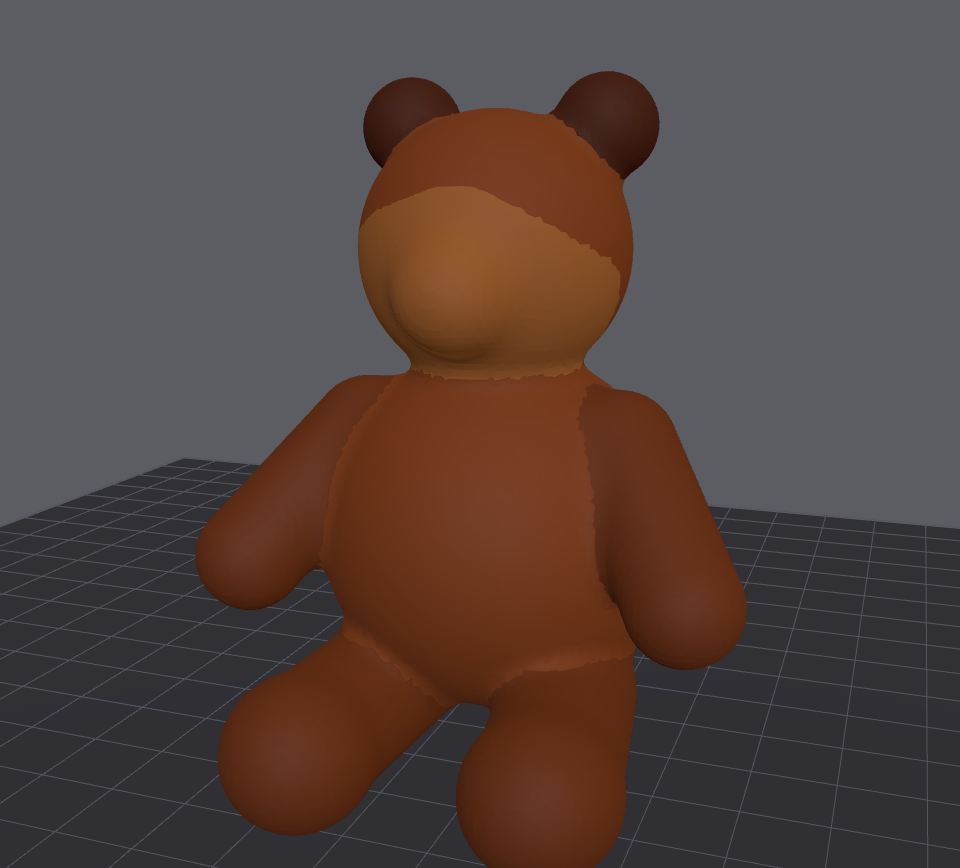 Original |
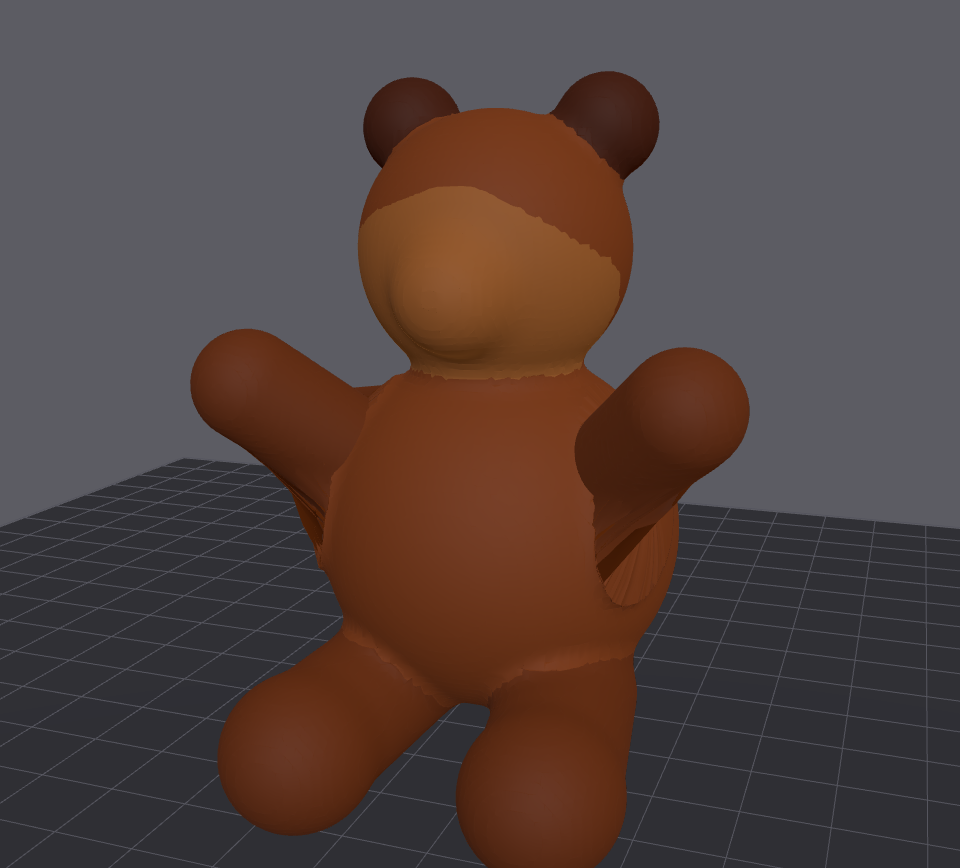 Arms up |
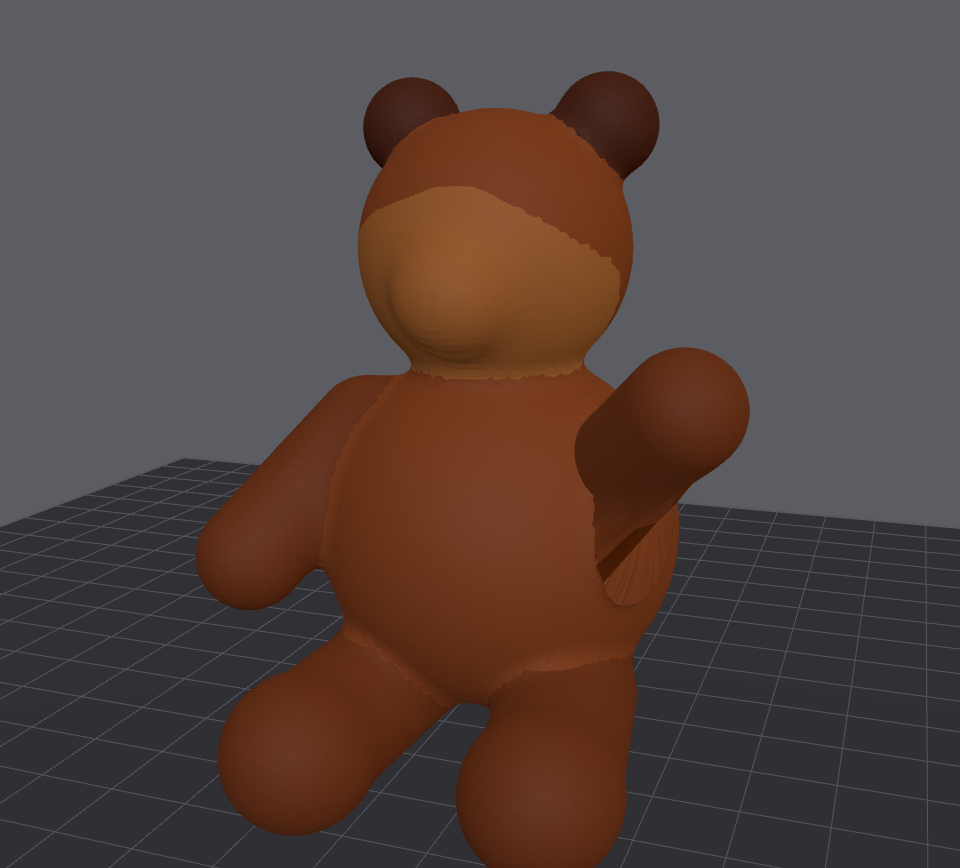 Waving |
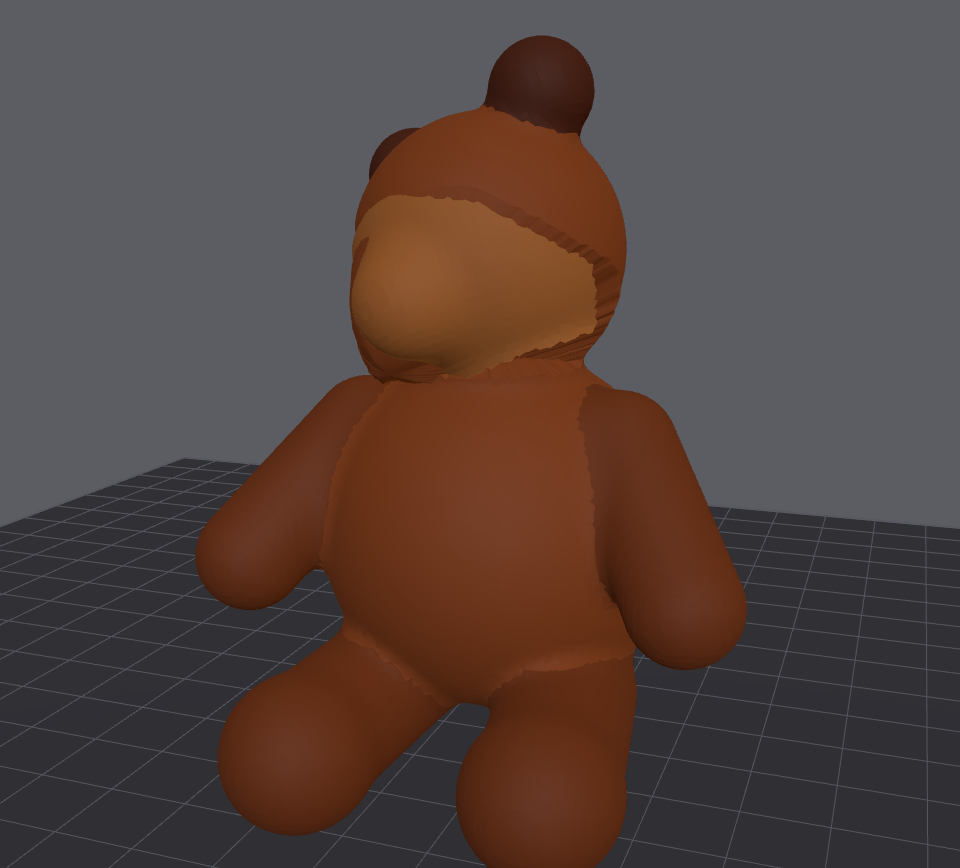 Head turned |
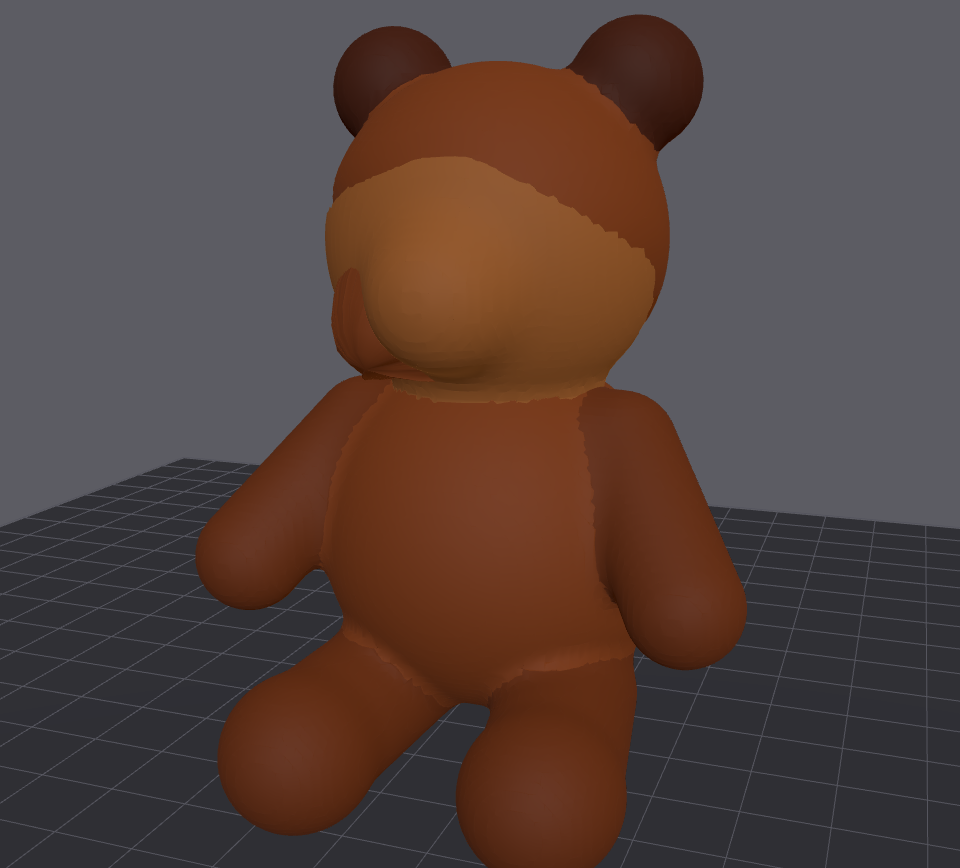 Bigger head |
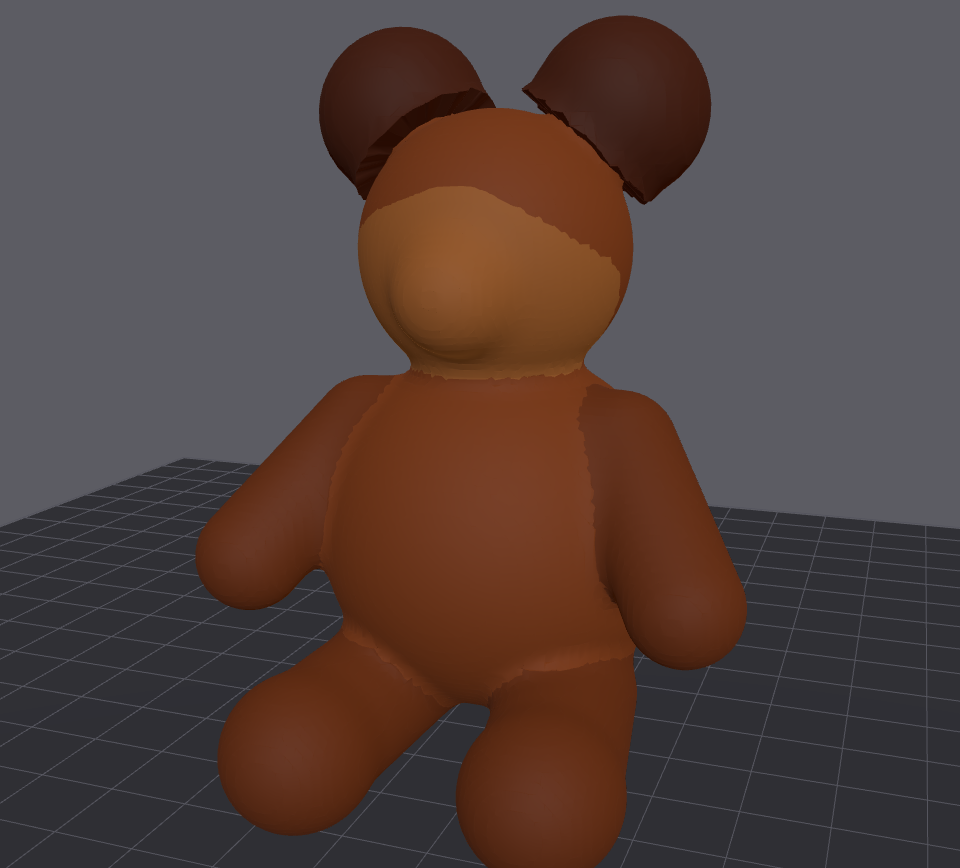 Bigger ears |
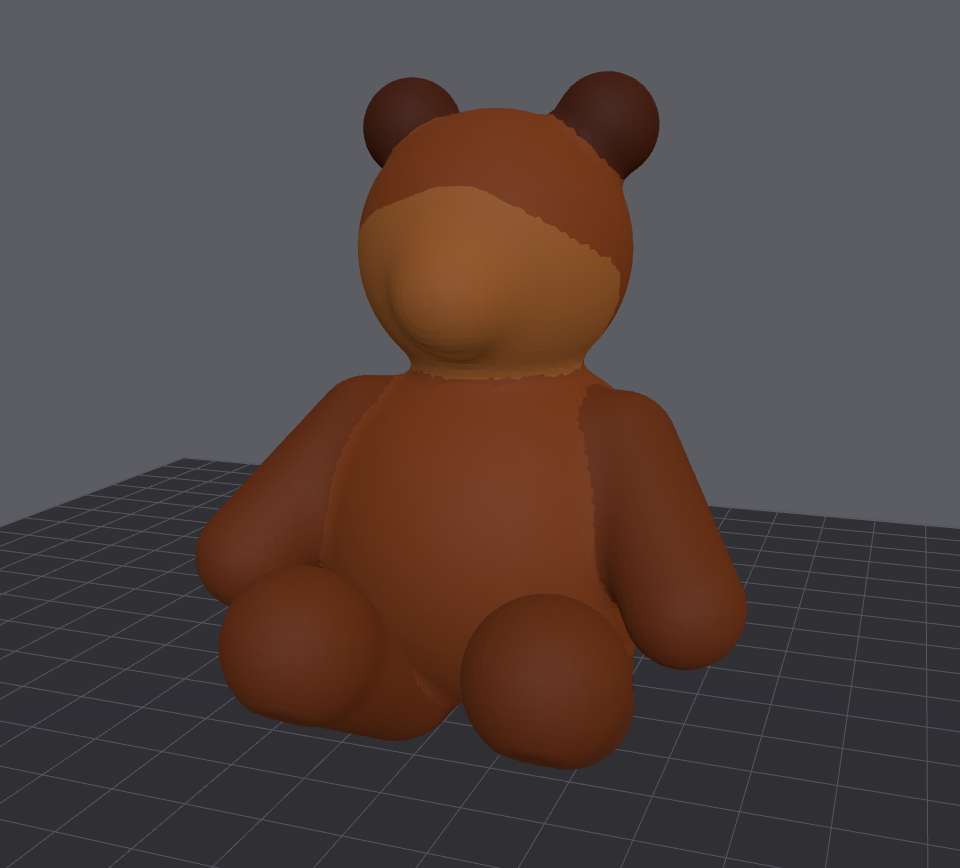 Legs raised |
Rocket
Resize parts, move them apart, or merge them.
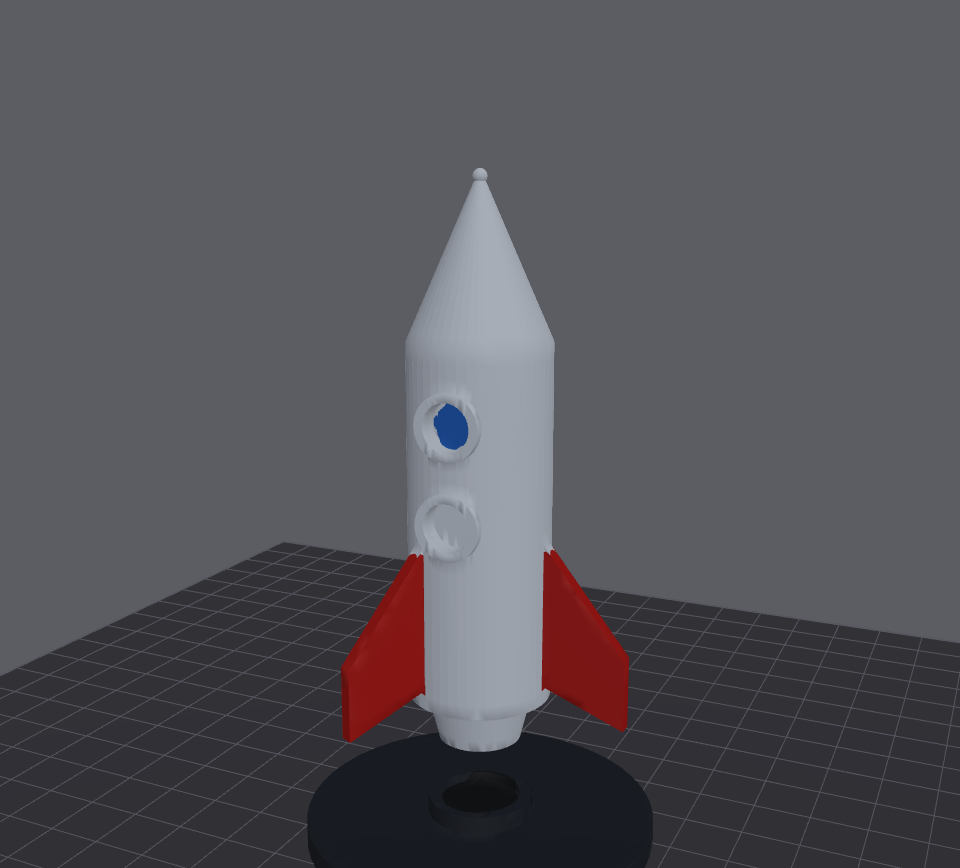 Original |
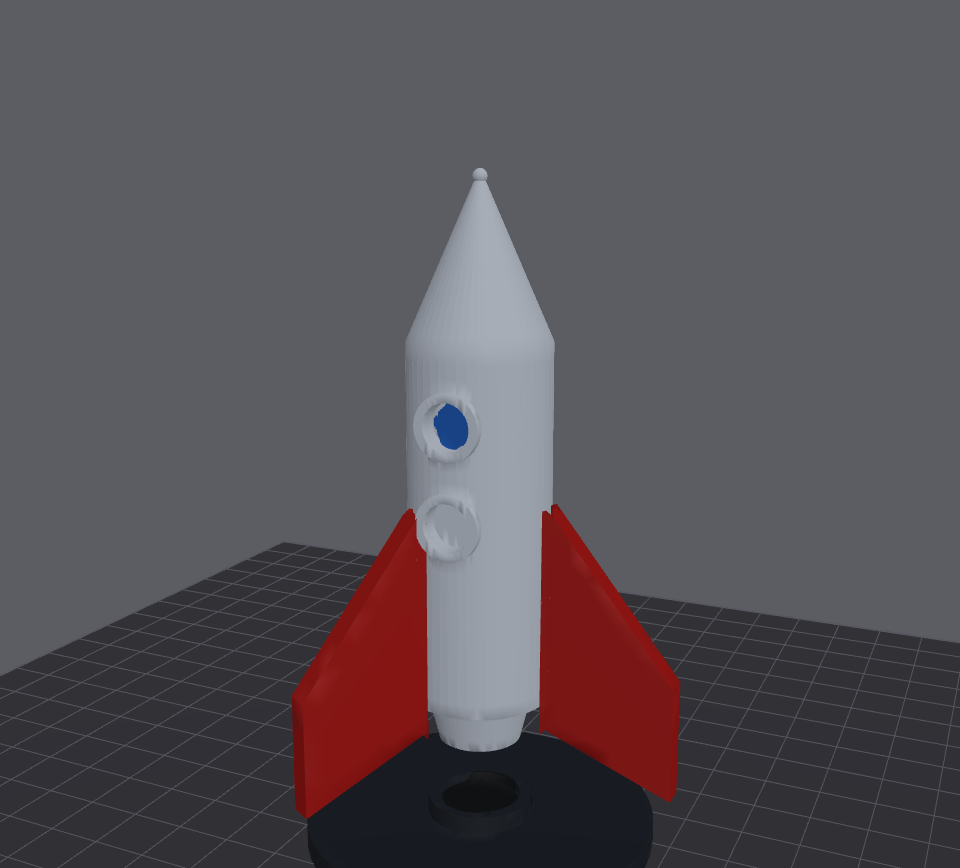 Bigger fins |
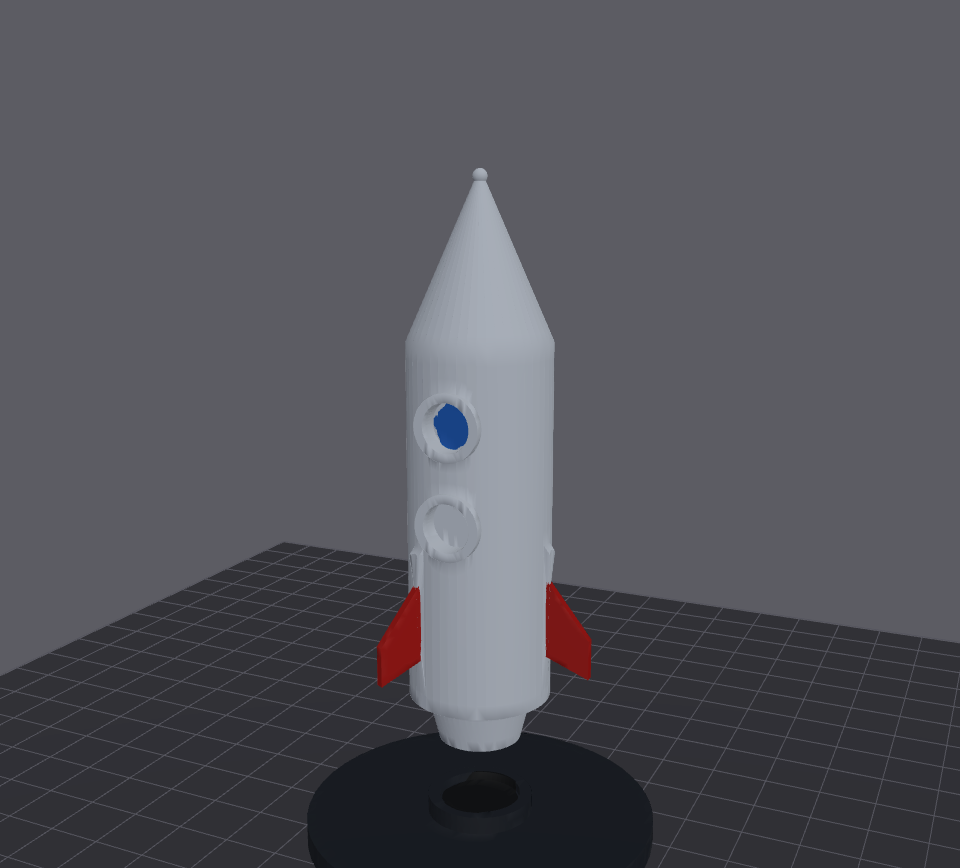 Smaller fins |
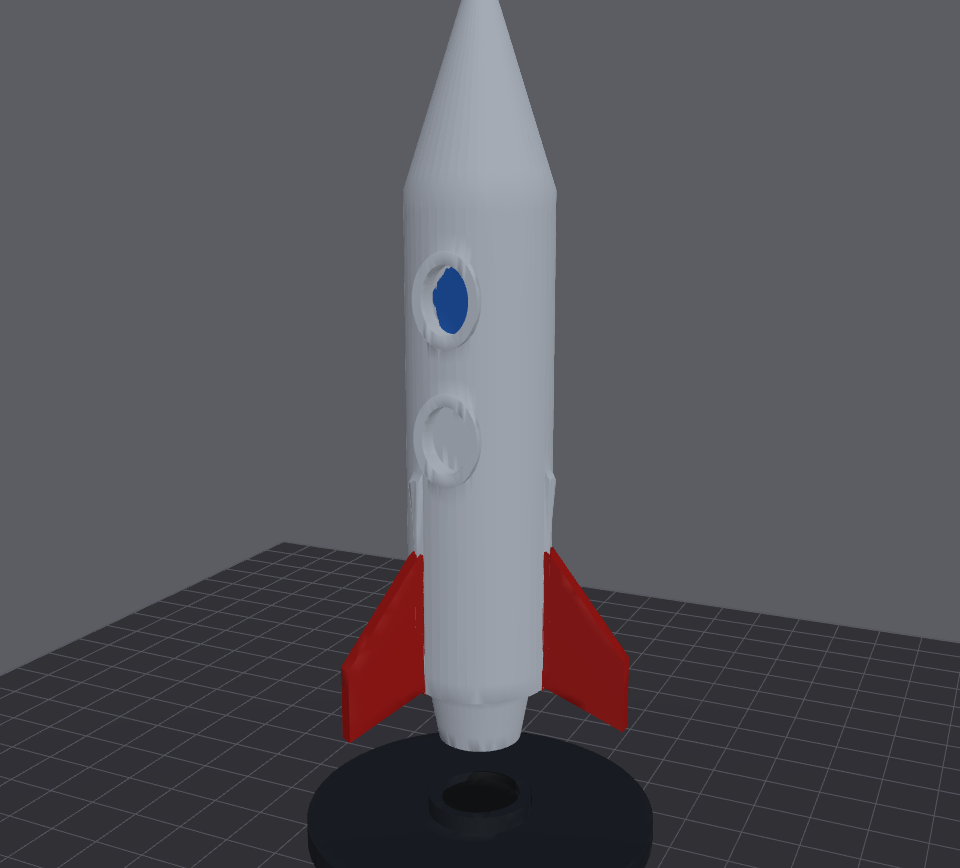 Longer body |
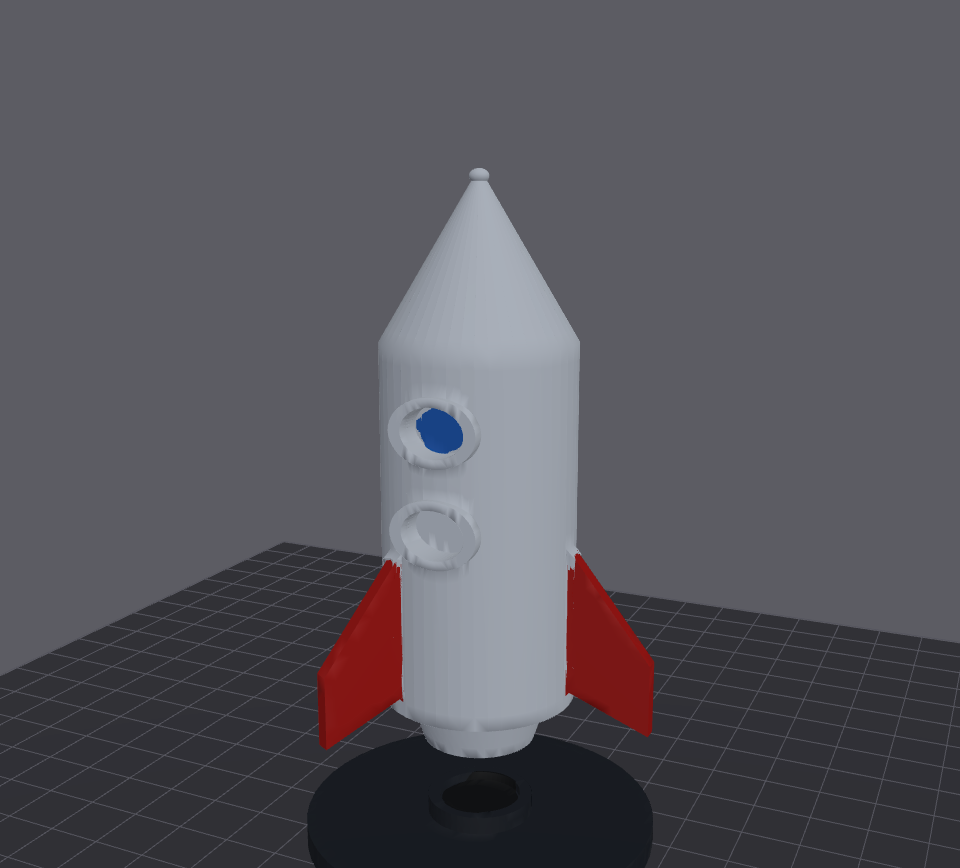 Wider body |
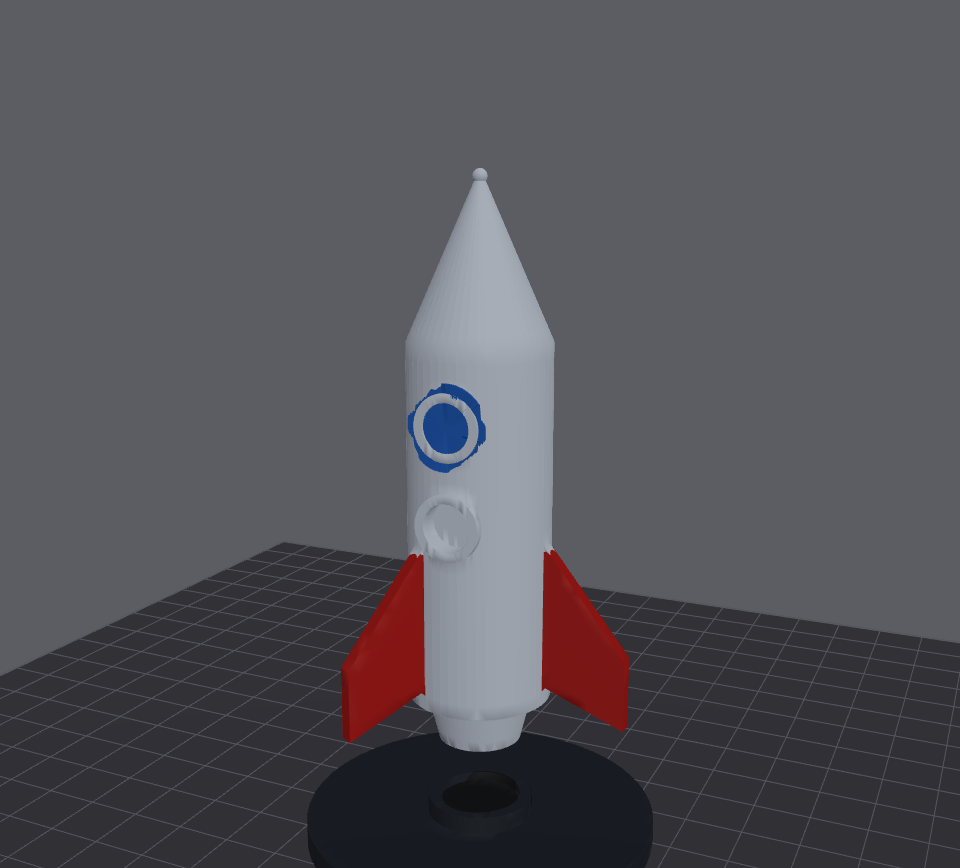 Bigger window |
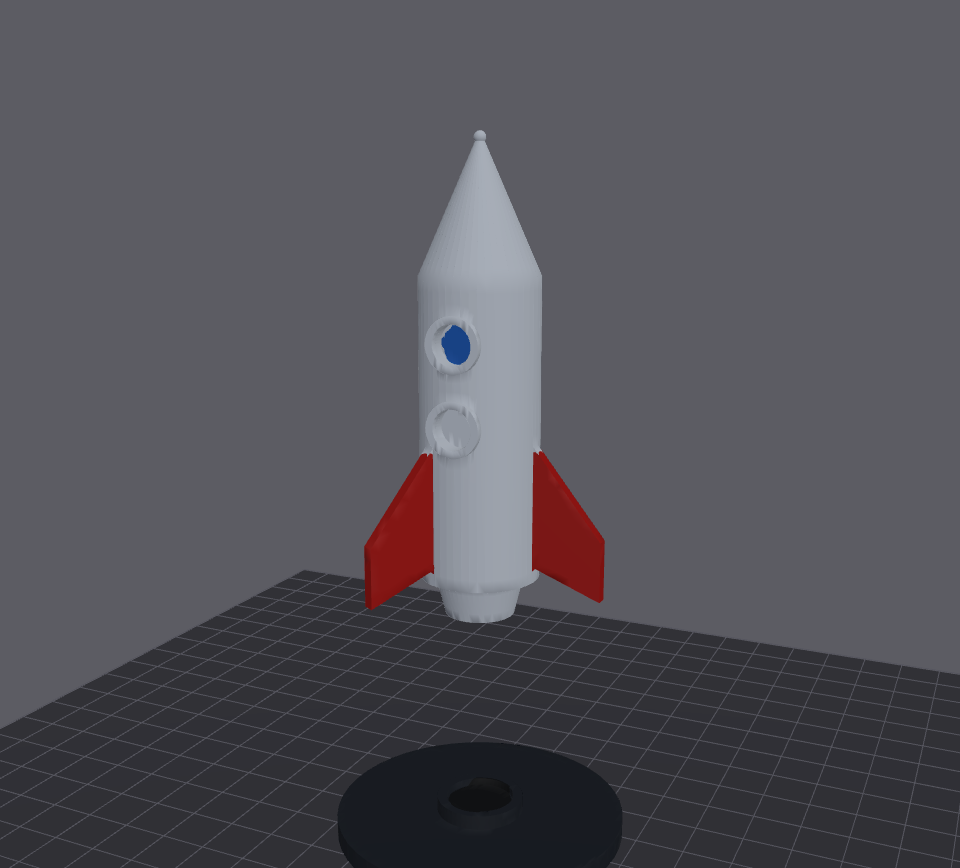 Lifted off the stand |
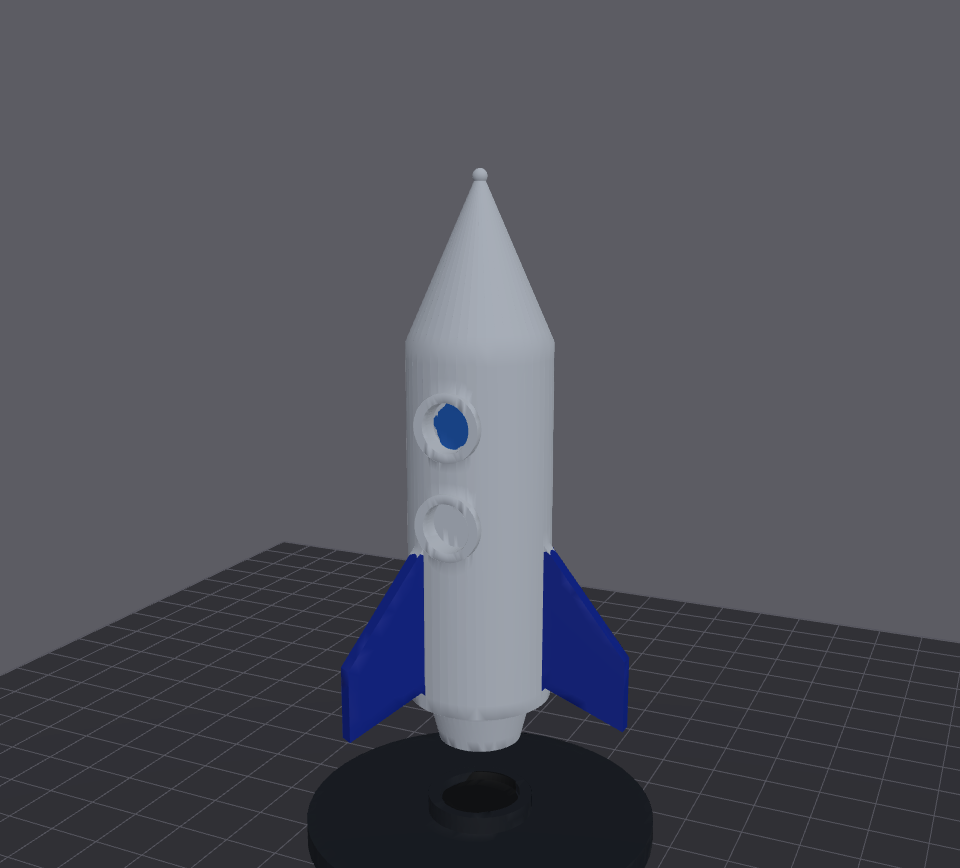 Fins merged into one part |
In OrcaSlicer: Print as
The robot with its head turned on the neck joint (Heal joint on), sent back with Replace in each Print as mode. The model takes the original's place on the plate each time.
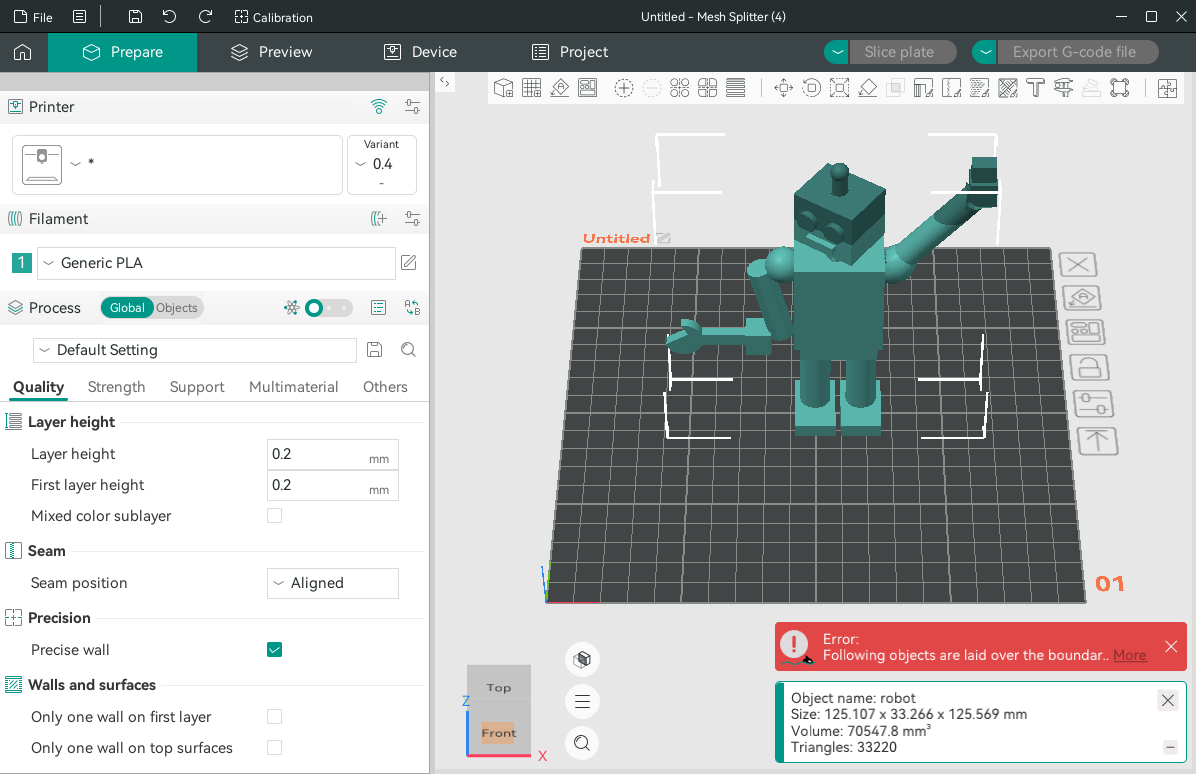 One part: one object, one part, on the original's filament |
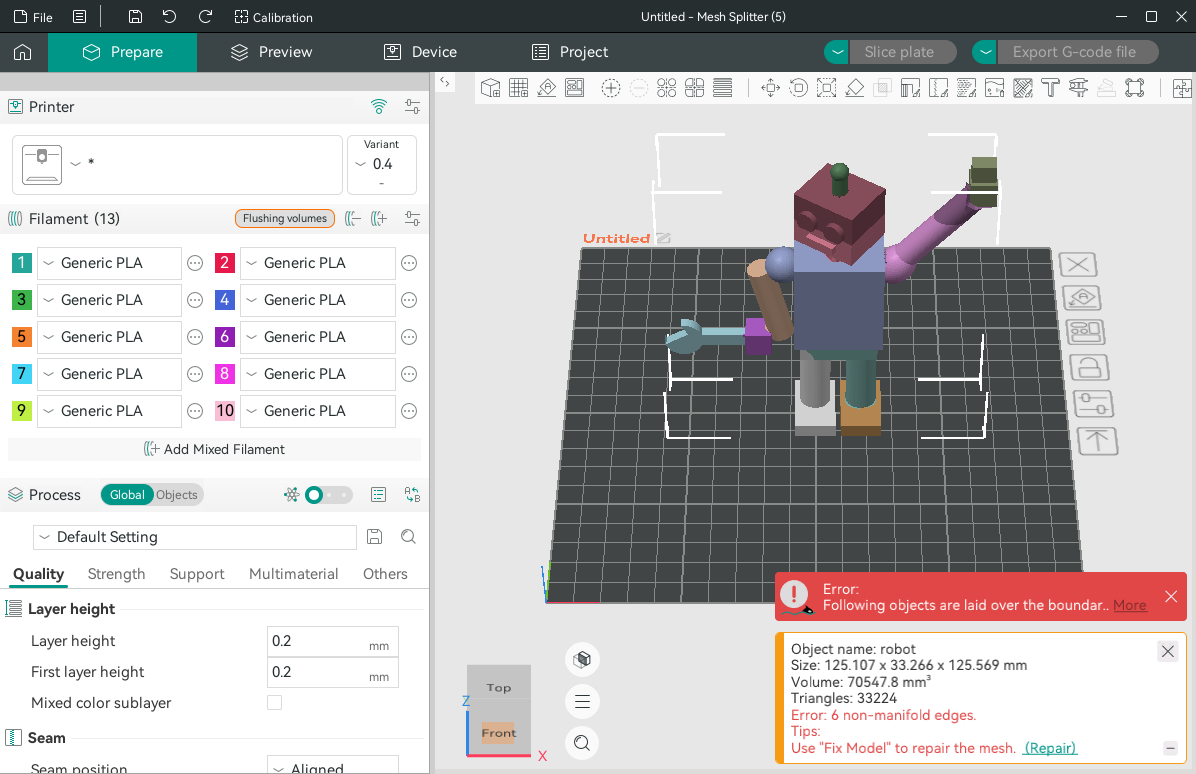 Painted: one part, painted with the parts' colors; OrcaSlicer gets the filaments it needs |
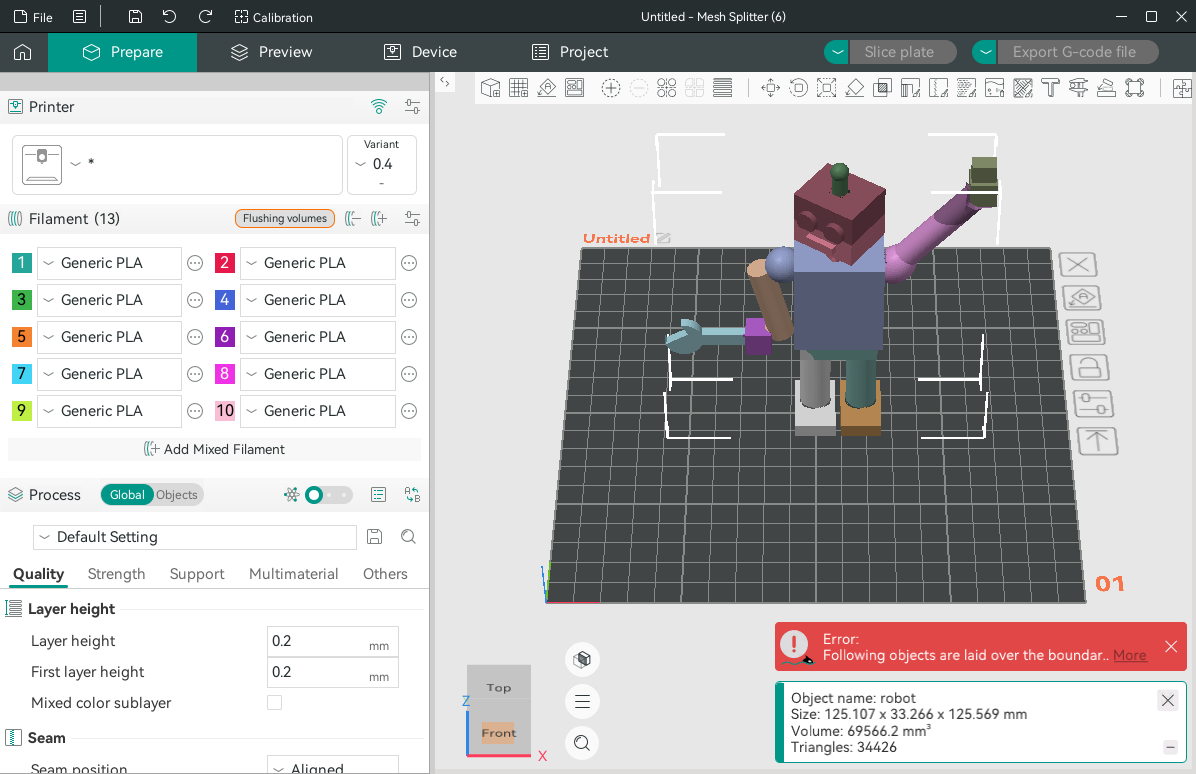 Parts: one part per split part, each on its own filament |
Try them
The models, sessions and replacement parts are in the repo's examples folder. Open an STL, then Open > Load session… and pick its .split.json.